Keyboard Input Is Now Live on Voiskey Mobile
Bringing Pro-Grade Typing to AI Voice for a Next-Gen Expression Experience
Voiskey Journal
Whether you're a Founder, Creator, or Engineer, and whether you're working, brainstorming, or just chatting, Voiskey adapts your voice input into text that says it just right.

Bringing Pro-Grade Typing to AI Voice for a Next-Gen Expression Experience

Creator work is ideas first and typed scripts second. Speak the hook, the sections, and the tone — with your cursor in the doc, Ask AI hands you a first pass. Free to start.

Weekly updates fail when writing them feels like a second job. Speak progress and blockers—Voiskey turns them into email you can send. Free to start.

Vibe coding thrives when prompts and notes keep up with your thinking. Speak them into Voiskey and keep shipping. Free to start.

You already know what to say. The slow part is typing it in another language. Speak once—Voiskey turns it into text you can send. Free to start.

You think in one language and need to send in another. Speak naturally — Voiskey lands fluent text where you already write. Free to start.

Cross-language email is still typing-heavy. Speak the angle, the proof, and the ask—with your cursor in the compose box, the draft lands on screen. Free to start.

The best time management tools only work if you can get thoughts out of your head fast. Say the task, the note, or the reply—Voiskey turns it into text you can paste anywhere. Free to start.

Async work is writing work. Speak the update, the decision, and the handoff—Voiskey turns them into clear text your teammates can read in any timezone. Free to start.

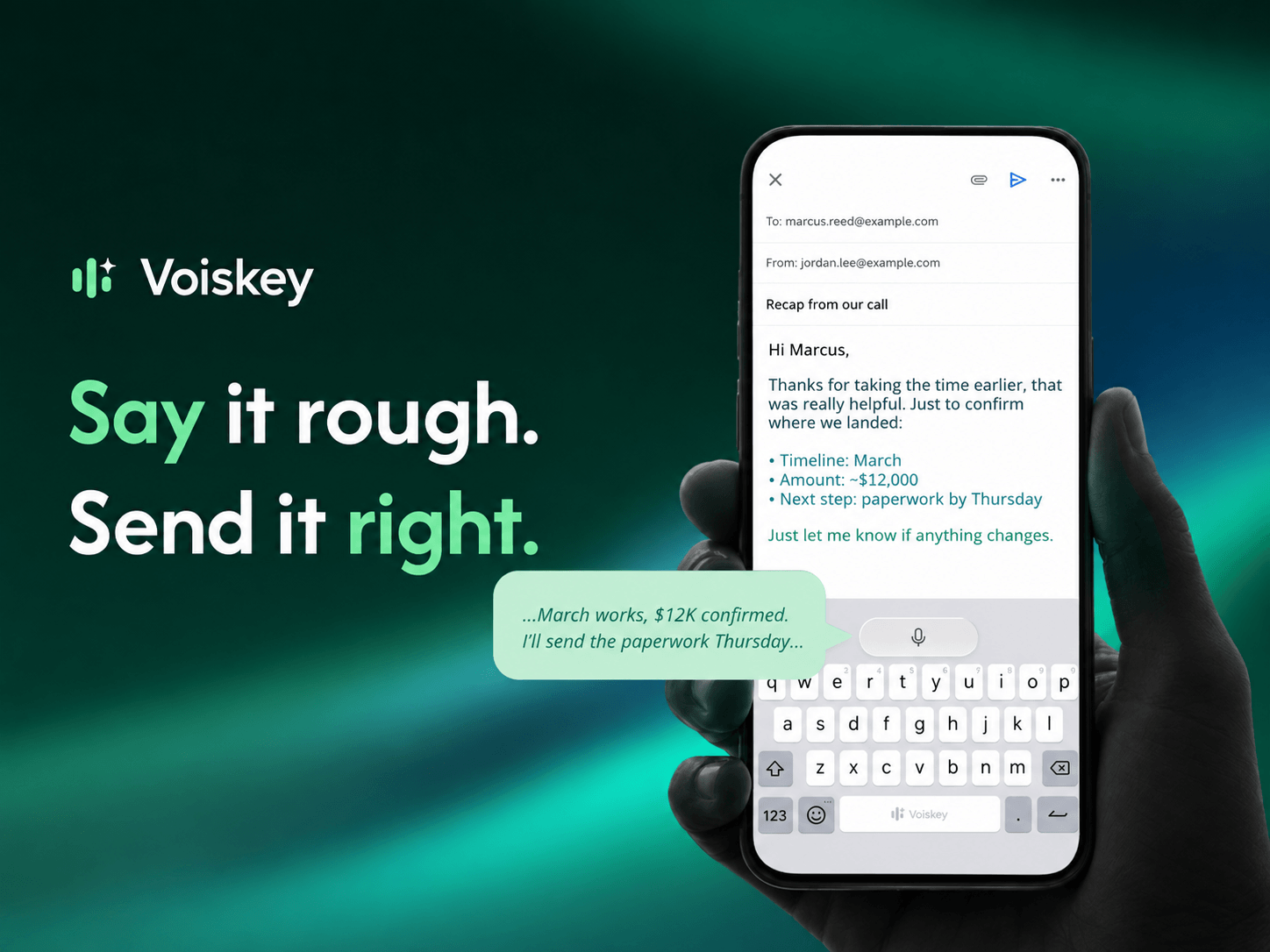
Speak naturally, write effortlessly, and move faster. Turn your voice into polished, ready-to-use text wherever you work.
Use it across macOS, Windows, iOS, and Android