


1
Download Voiskey
Get started in seconds.
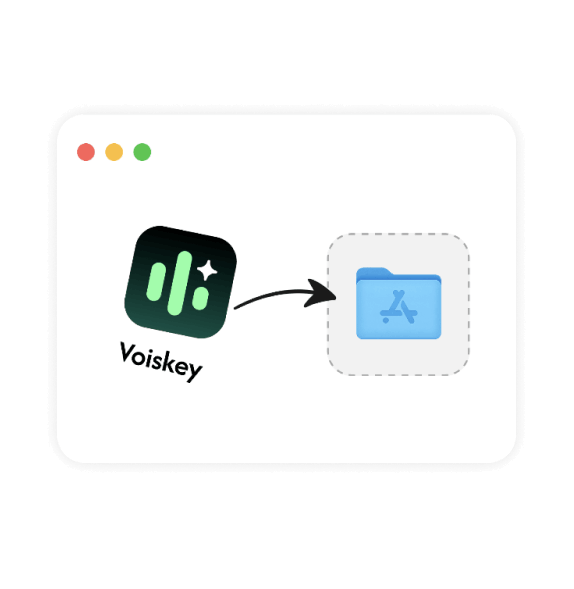
Download, choose a use case, and start speaking with a guided setup — no learning curve required.
Free plan. No credit card required.
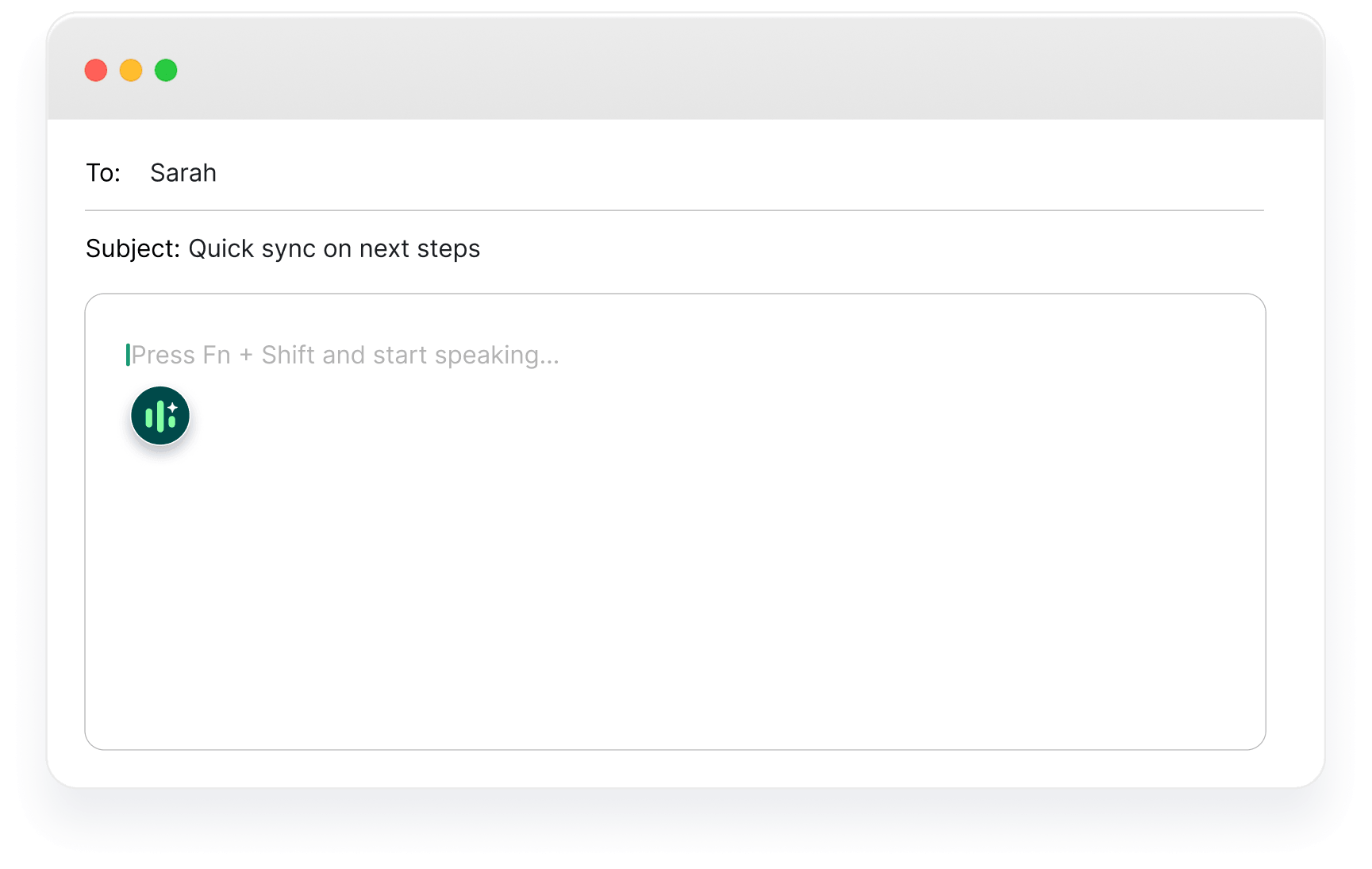
Get started in seconds.
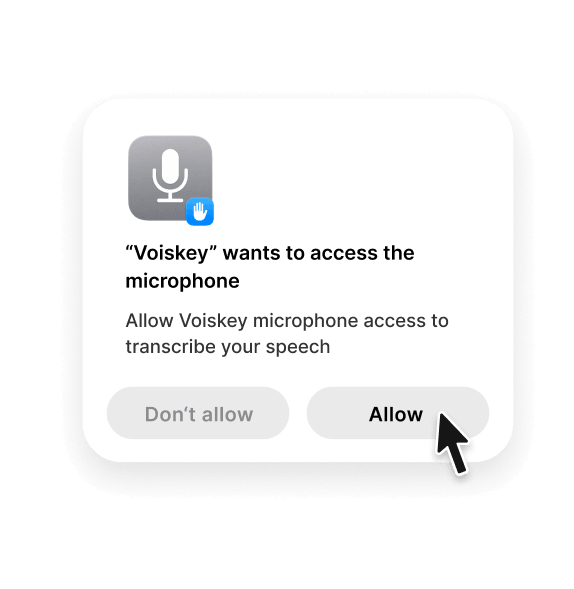
Mic access and a quick setup.
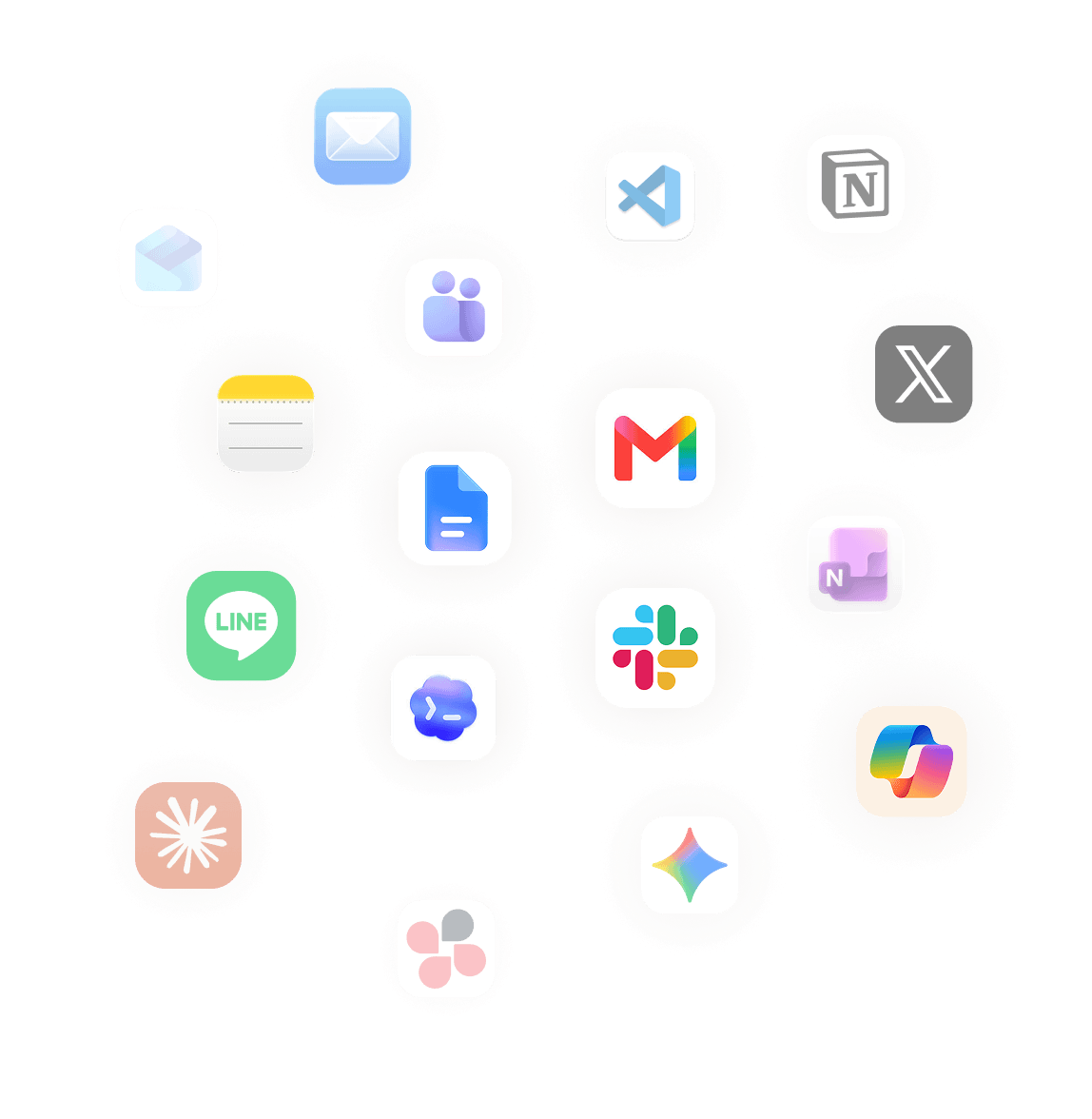
Use Voiskey in your favorite apps right away.

Capture what matters

Make your words clearer

Get a useful answer

Say it in another language
Works anywhere. Any language.
Voiskey works anywhere on your computer and in any language.
Wherever you type, however you speak, Voiskey is ready when you are.









 English
 日本語
 Español
 한국어
 Français
 Português
 العربية
 Русский
 Italiano
 ภาษาไทย
 Tiếng Việt
 Nederlands
 Polski
 Dansk
 Svenska
 Suomi
 Ελληνικά
 Čeština
 Română
 Magyar
 Български
 Slovenščina
 EestiEnglish日本語Español한국어FrançaisPortuguêsالعربيةРусскийItalianoภาษาไทยTiếng ViệtNederlandsPolskiDanskSvenskaSuomiΕλληνικάČeštinaRomânăMagyarБългарскиSlovenščinaEestiEnglish日本語Español한국어FrançaisPortuguêsالعربيةРусскийItalianoภาษาไทยTiếng ViệtNederlandsPolskiDanskSvenskaSuomiΕλληνικάČeštinaRomânăMagyarБългарскиSlovenščinaEestiEnglish日本語Español한국어FrançaisPortuguêsالعربيةРусскийItalianoภาษาไทยTiếng ViệtNederlandsPolskiDanskSvenskaSuomiΕλληνικάČeštinaRomânăMagyarБългарскиSlovenščinaEesti
 Voiskey
One voice experience
across every device.
 Download for macOS
no card needed
Use it across macOS, Windows, iOS, and Android