
Voice to Text for Multilingual Meetings
Translate Meeting Outcomes Without Losing the Room
The room spoke one language. The email list reads another. Say the recap once—Voiskey helps you bridge both. Free to start.
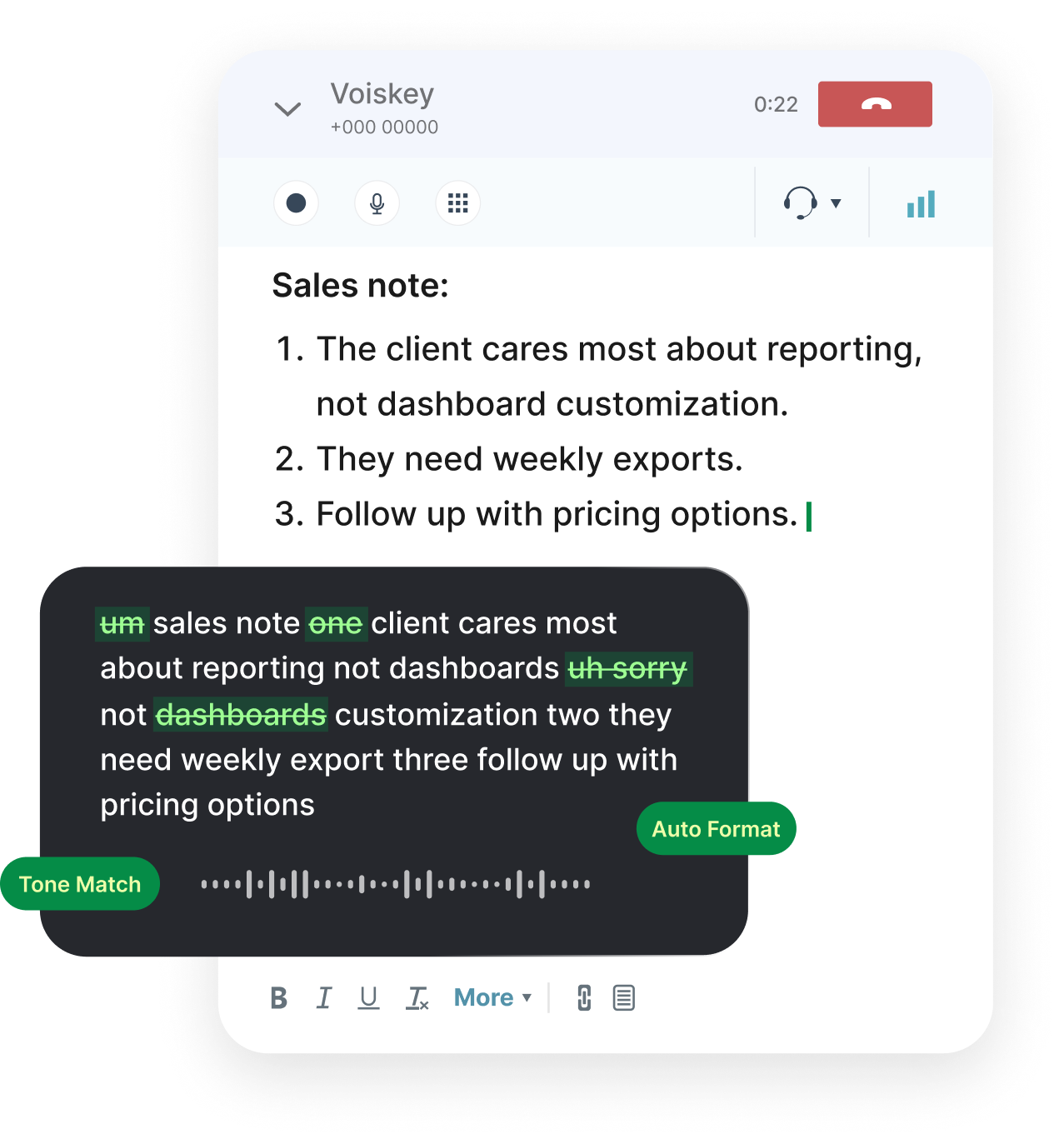
Two Audiences After Every Call
Multilingual meetings create two writing jobs. First, a faithful record of what the room decided. Second, a version other stakeholders can read without joining the call.
People often skip the first to rush the second, and both suffer. The translation has nothing solid to stand on.
Speak the truth of the meeting while it is fresh. Then run a shorter pass aimed at the readers who were not there.
With 100+ languages available, those passes stay inside one dictation tool instead of a notes app plus a translator plus a cleanup doc.
Capture First, Translate Second
During or right after the call, dictate decisions, owners, and dates in the language that dominated the audio.
Do not force English mid-capture if the argument happened in Spanish. Translation quality is higher when the source note is complete.
Afterward, open the stakeholder email and dictate a compact action list in their language. Same facts, different reader contract.
If auto-detect keeps flipping during bilingual calls, select the two languages you need and avoid the full 100+ languages net for that hour.
Meeting translation sequence:
- Lock the room’s primary language for live notes
- Dictate decisions, owners, and deadlines
- Start a new pass for stakeholder language
- Send the share-out; keep the full note in the source language
What to Dictate Before and After
Agendas
Prep in the language attendees actually speak—not the HQ default.
Live Notes
Capture objections and side constraints while the wording is still exact.
Action Items
Owners and dates spoken clearly so translation cannot blur who owes what.
Recaps
The narrative of what changed, in the room’s language first.
Follow-Ups
External messages translated for people who only need the outcome.

One-on-Ones
Coaching notes kept private in whatever language you think in.
Let the Spoken Language Lead
Summaries should follow the dominant spoken language. A Russian-heavy working session deserves a Russian decision log even if Slack is mostly English.
Quoted phrases and product names can keep original spelling from the transcript so search still works across tools.
When the share-out must be English, treat that as an explicit translation pass—not as a hope that auto-detect will rewrite history.
This is how meeting translation stays honest: source fidelity first, audience language second.
FAQ s
Yes. Dictate the recap in the dominant language spoken in the room. Proper nouns and product names can keep their original spelling while the narrative stays in that language.
You may capture in Japanese and send stakeholders an English action list—or the reverse. Supporting 100+ languages means those two passes use the same dictation habit instead of two different toolchains.
If a long intro happened in another language, that stretch can dominate detection. Start a fresh dictation pass for the decisions section, or lock the language you want for the summary.
Usually capture live in the room’s language, then do a short translation pass for the email list. Live dual translation mid-sentence is where accuracy drops.
No. Interpreters handle live understanding between parties. Voice typing accelerates notes and written translation after the fact.


 Voiskey
Your voice, amplified.
Speak naturally, write effortlessly, and move faster. Turn your voice into polished, ready-to-use text wherever you work.
Use it across macOS, Windows, iOS, and Android