
Voice to Text for Meeting Recap Email
Send Meeting Recaps Before Context Fades
The best recap is the one that leaves the same day. Say what was decided—Voiskey turns it into email attendees can act on. Free to start.
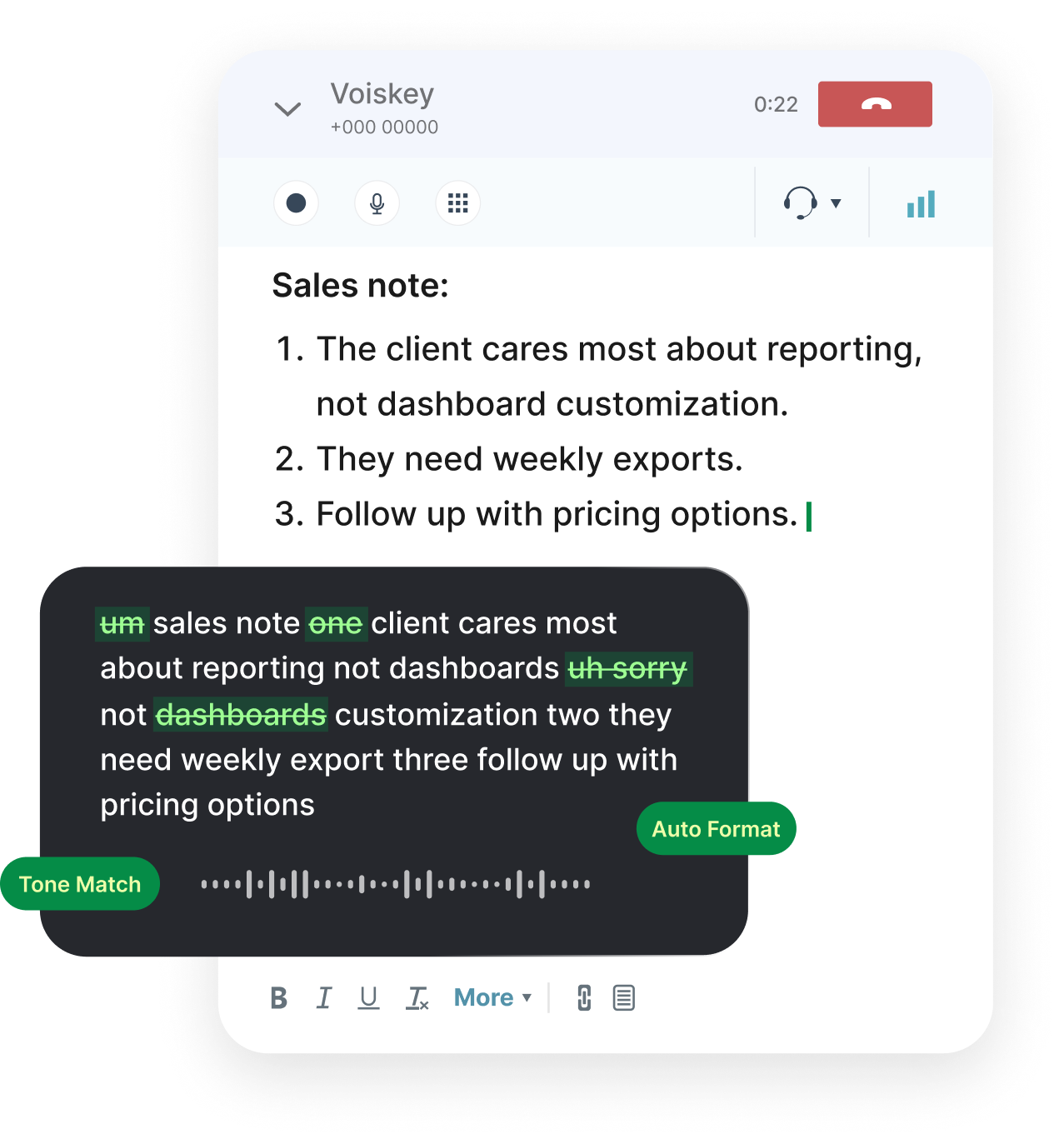
The Recap Window Is Short
Two hours later, owners blur and "we should" replaces actual decisions. Typing is why recaps wait.
Dictate while you still hear the room. Then trim for the people who were not there.
Shape of a Useful Recap Email
Decisions, open questions, owners with dates. Skip the play-by-play unless someone asked for minutes.
If you took live notes elsewhere, select the messy bullets and ask for a clean email version.
Recap email outline:
- Decisions made (one line each)
- Action items with owner and date
- Open questions still unresolved
- Link to notes or recording if needed
Recaps Worth Dictating
Decision Recap
What changed and who owns the next move.
Action Item Email
Tasks with names and dates, not a vague parking lot.
Client Meeting Wrap
External-friendly summary without internal slang.

1:1 Follow-Through
Coaching notes and commitments after a private meeting.
Standup Digest
For stakeholders who skip the daily call.
Agenda Confirm
Pre-meeting email that sets decisions needed up front.
Where Recaps Go
Email the attendees, paste the same brief into the calendar description, or drop owners into Slack. One spoken pass can feed all three.
Workflows after meetings:
- Recap email to attendeesVoice typing for emails
- Owner pings in chatVoice typing for messages
- Living notes docVoice typing for notes
- Team decision logVoice typing for teams
- Live capture during the callVoice typing for meetings
FAQ s
Usually yes for decisions and owners. Trim sensitive detail if the thread includes people who should not see it.
Yes, into a notes doc or quietly after. Whisper mode helps when you are still in a shared room.
No. It does not record meetings. You speak the summary; it turns speech into text at your cursor.
Say the ambiguity in the email as an open question with an owner to clarify. Do not invent fake certainty.
Short recaps often fit. Full-day conference notes use more—upgrade when recaps are continuous.


 Voiskey
Your voice, amplified.
Speak naturally, write effortlessly, and move faster. Turn your voice into polished, ready-to-use text wherever you work.
Use it across macOS, Windows, iOS, and Android