
Voice to Text for Global Support
Translate Support Replies Before the Queue Grows
Queues grow when every reply needs a translator. Say the answer—Voiskey turns it into text the customer can act on. Free to start.
When Language Is the Real Queue
Support SLAs slip for reasons that never show up in the dashboard: the agent knows the fix, but typing it in the customer’s language takes longer than the fix itself.
Macros cover the top ten issues in the top few languages. Everything else waits on someone who can write fluently—or on a translation tool that strips tone.
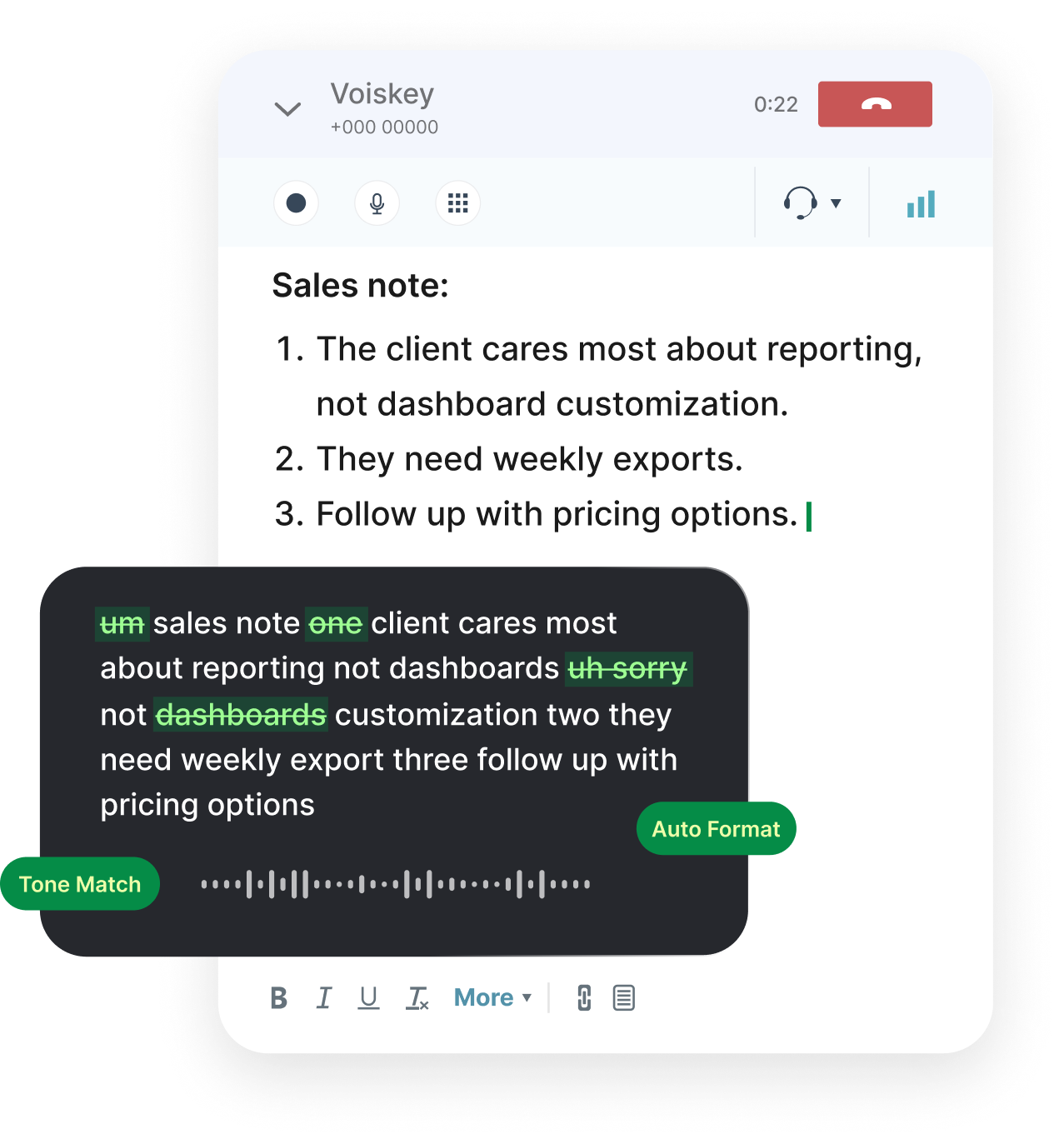
Voice to text for translation flips the constraint. Speak the answer you would give on a call; get ticket text that reads actionable, not machine-swapped.
Across 100+ languages, coverage is less about showing off a list and more about not freezing when the next ticket is not in your keyboard’s default.
A Translation-Ready Support Flow
Read the ticket. Select the customer’s language. Speak the diagnosis, the steps, and the ask for more info if needed.
Review once for steps that must stay exact—URLs, error codes, build numbers. Translation should not reinvent those.
If your team code-switches internally, keep that for the private note. The public reply should settle into one clear language.
Ship from the help desk you already use. The translation layer should not add another tab to the agent’s already crowded screen.
Support translation habits:
- Lock one language for customer-facing replies
- Keep product names consistent across languages
- Dictate private notes in whatever language the team shares
- Prefer a short language shortlist over full auto-detect on precision days
Support Moments That Need Fast Translation
Ticket Replies
The customer-facing answer, spoken once, readable in their language.
Call Wrap-Ups
Log what was promised while the call language is still in your ear.
Escalations
Hand engineering a clear problem statement without losing nuance in translation.
Bug Reports
Repro steps dictated accurately—numbers and UI labels intact.
Shift Handovers
What the next agent needs, in the language your shift actually uses.
Help Center Drafts
First-pass article text in another language before localization polish.
Shift Handovers Across Languages
Global coverage means the night shift may not share a first language with the day shift. Handover notes written slowly become handover notes skipped.
Dictate the state of open severity tickets in the shared team language, then keep customer replies in each customer’s language.
Voiskey supports 100+ languages so those two jobs do not fight over one system keyboard. Translation becomes a speaking choice, not a settings scavenger hunt.
Whisper mode helps on a noisy floor when you still need the wrap-up logged before the next call connects.
Macros Help; Voice Closes the Gap
Keep macros for the issues you see daily. Use voice translation for the long tail—new error strings, regional edge cases, and empathy that no template holds.
Speaking keeps sentences shorter than anxious typing does, which is useful when customers are already frustrated.
You still decide what ships. Dictation accelerates translation; it does not approve refunds or policy exceptions for you.
That split—macros for volume, voice for judgment—is how multilingual support stays human without staying slow.
Workflows for a global support week:
- Ticket replies in the customer’s languageVoice typing for emails
- In-product chat and messagingVoice typing for messages
- Internal escalation notesVoice typing for notes
- Shift and team handoversVoice typing for teams
- Post-call wrap-upsVoice typing for meetings
FAQ s
Yes. Click the reply field, speak, and the text lands at the cursor. Voiskey is not locked to one help desk, so the same gesture works in other ticket UIs.
Your team may only staff five. Customers still arrive in many more. Supporting 100+ languages means agents are not blocked by missing keyboards when an uncommon language ticket lands.
Usually keep product names and feature labels in the house language so documentation stays searchable. Translate the explanation around them, not the proper nouns.
Select only the customer’s language for that pass. Broad auto-detect across 100+ languages is convenient for mixed days; a single-language lock is safer for precision replies.
No. Help center translation is still a content project. Voice typing speeds live replies, escalations, and wrap-ups while that library catches up.


 Voiskey
Your voice, amplified.
Speak naturally, write effortlessly, and move faster. Turn your voice into polished, ready-to-use text wherever you work.
Use it across macOS, Windows, iOS, and Android