
AI Voice Typing for Meetings
Turn meeting thoughts into clear follow-ups
Dictate meeting notes, agendas, action items, recaps, and updates without losing focus during the conversation.
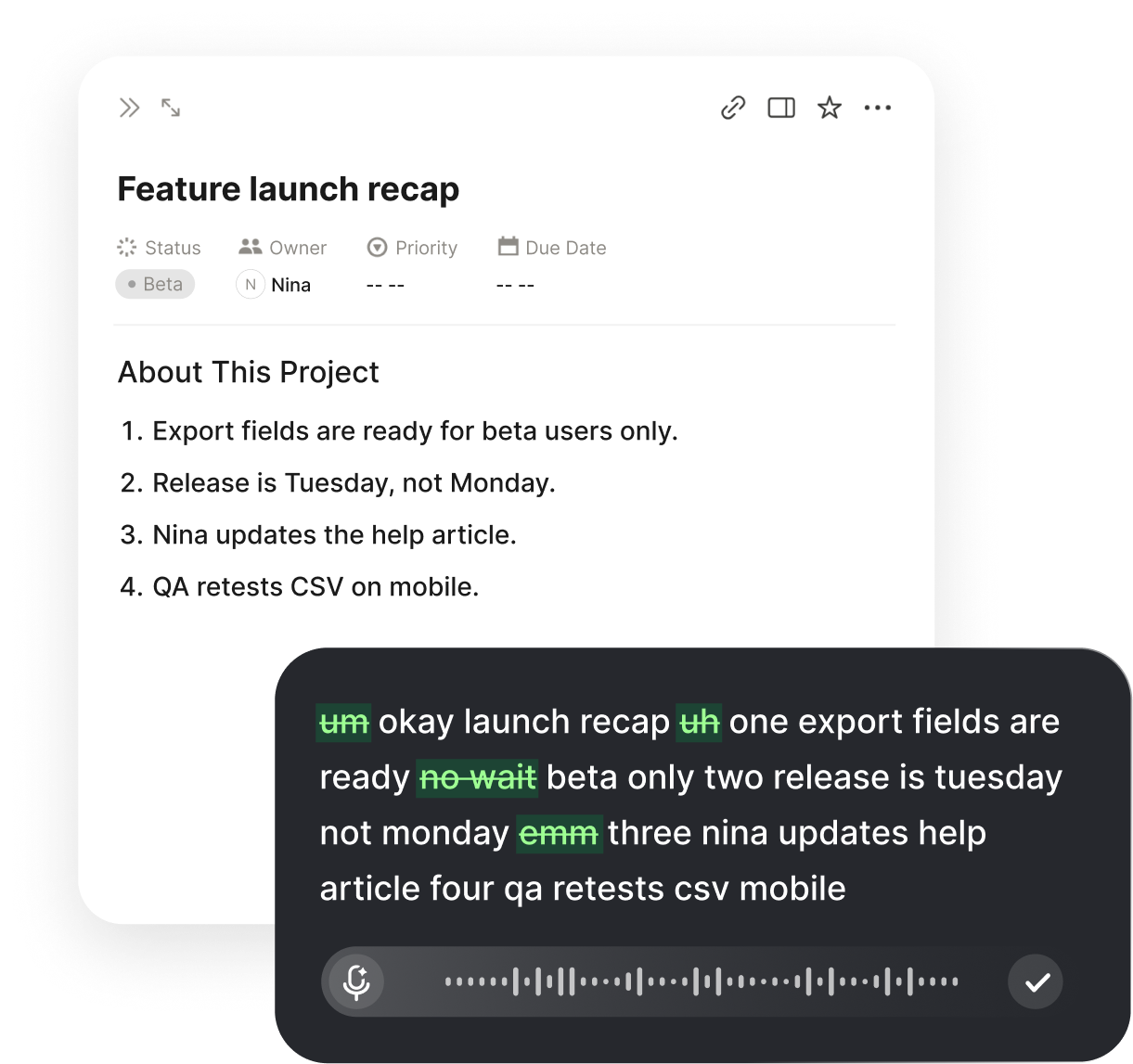
Voice typing for meeting work
Meetings create a lot of writing. Before the call, someone needs an agenda. During the discussion, someone needs to capture context. After the meeting, someone needs to send decisions, action items, summaries, updates, and follow-ups.
Voiskey helps with the writing around meetings. Instead of typing every note, recap, or next step by hand, you speak naturally and turn your thoughts into clear text you can review, edit, and share when ready.
Voiskey is not about replacing your judgment. It helps you get the important words onto the page faster, so you can stay closer to the discussion and spend less time rebuilding the meeting from memory.
Why meeting notes are hard to keep up with
Most meeting notes fail for a simple reason: the conversation moves faster than typing. People discuss blockers, change direction, mention deadlines, assign owners, open new questions, and make decisions in the same few minutes.
If you are also presenting, listening, asking questions, or managing the call, it is easy to miss details. By the time the meeting ends, the exact wording of the decision may already be fuzzy.
Voice typing gives you a faster way to capture what matters. You can dictate a quick note during a pause, speak a rough recap right after the meeting, or talk through action items while the context is still fresh. Voiskey turns that natural speech into cleaner meeting text.
Meeting content Voiskey can help you write
Meeting agendas
Dictate discussion topics, goals, questions, and prep notes before the meeting starts.
Live meeting notes
Capture key points, decisions, risks, blockers, customer feedback, and important context while the conversation is happening.
Action items
Turn spoken next steps into clearer tasks with owners, deadlines, and context when you have them.
Meeting recaps
Dictate a short summary after the call so the team knows what changed, what was decided, and what happens next.
Follow-up messages
Speak a Slack update, Teams post, email recap, or client follow-up while the details are still fresh.
Standup updates
Dictate what you did, what you are doing next, and what is blocked without overthinking the wording.

One-on-one notes
Capture feedback, coaching points, commitments, and follow-up topics from recurring check-ins.
Use Voiskey before, during, and after meetings
Before a meeting, use Voiskey to draft an agenda, prepare questions, outline talking points, or write a quick briefing note.
During a meeting, use Voiskey when you need to capture a point quickly in a notes app, project doc, task tool, or browser field. You can dictate short notes without turning every moment into manual typing.
After a meeting, use Voiskey to turn your memory of the conversation into a useful recap. Speak the decisions, action items, open questions, and next steps, then review the text before sharing it with your team.
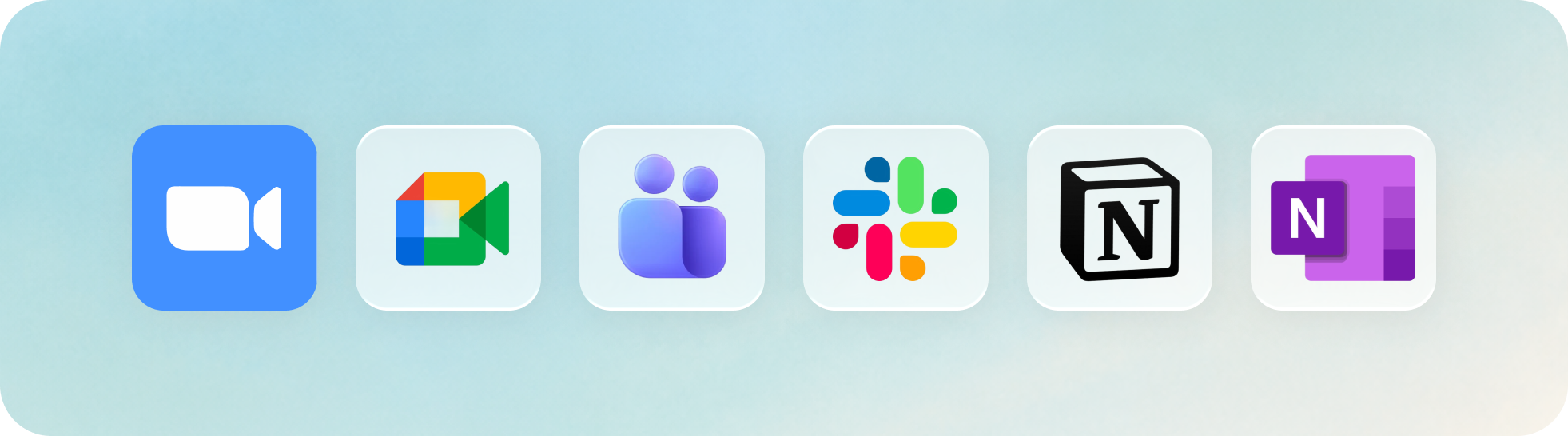
Voiskey works across everyday meeting workflows because it works where you type. Use it alongside Zoom, Google Meet, Microsoft Teams, Slack, Notion, Google Docs, OneNote, project management tools, CRM notes, and other places where meeting work ends up.
How to dictate meeting notes with Voiskey
Use Voiskey wherever you normally write meeting content.
The workflow is:
- Open your meeting note, agenda, task tool, chat app, CRM, or document.
- Click into the field where you want the text.
- Activate Voiskey using your dictation shortcut.
- Speak the note, summary, action item, or follow-up naturally.
- Review the polished text.
- Add names, due dates, links, or extra context if needed.
- Share or save the final version yourself.
Dictate meeting notes in 100+ languages
Meetings are often multilingual, especially across global teams, clients, schools, and remote work. Voiskey supports 100+ languages, so you can dictate meeting notes and follow-ups in the language that fits your workflow.
FAQ s
Good meeting notes should include the meeting topic, key discussion points, decisions, action items, owners, deadlines, blockers, and open questions. The goal is not to write everything people said. The goal is to make the outcome of the meeting clear.
A strong action item should include one owner, one task, and one deadline when possible. For example: "Maya will send the revised launch timeline by Friday." Voiskey helps you capture action items while the meeting context is still fresh and turn them into text your team can act on.
Start with the main outcome, then list decisions, action items, owners, deadlines, and open questions. A useful meeting recap should be short enough to read quickly but specific enough that nobody has to ask what happens next.
A transcript records what people said, but it is usually too long to act on. Meeting work needs ready-to-use text: decisions, action items, owners, blockers, and next steps. Voiskey helps when you want to speak a rough recap and turn it into a clearer follow-up.
Meeting minutes are usually formal records. Meeting notes are practical working notes for the team. Voiskey is best for everyday meeting notes, recaps, follow-ups, standup updates, and action items.
Yes. Voiskey does not need to join your Zoom, Google Meet, or Microsoft Teams call as a bot. You can use it to dictate notes, recaps, and follow-ups in the documents, chats, or task tools where you already work.


 Voiskey
Your voice, amplified.
Speak naturally, write effortlessly, and move faster. Turn your voice into polished, ready-to-use text wherever you work.
Use it across macOS, Windows, iOS, and Android