
Cleaner structure
Shape spoken thoughts into readable email paragraphs.
AI Voice Typing for Emails
Speak your email draft naturally. Voiskey turns it into clean, ready-to-use text.
 Gmail
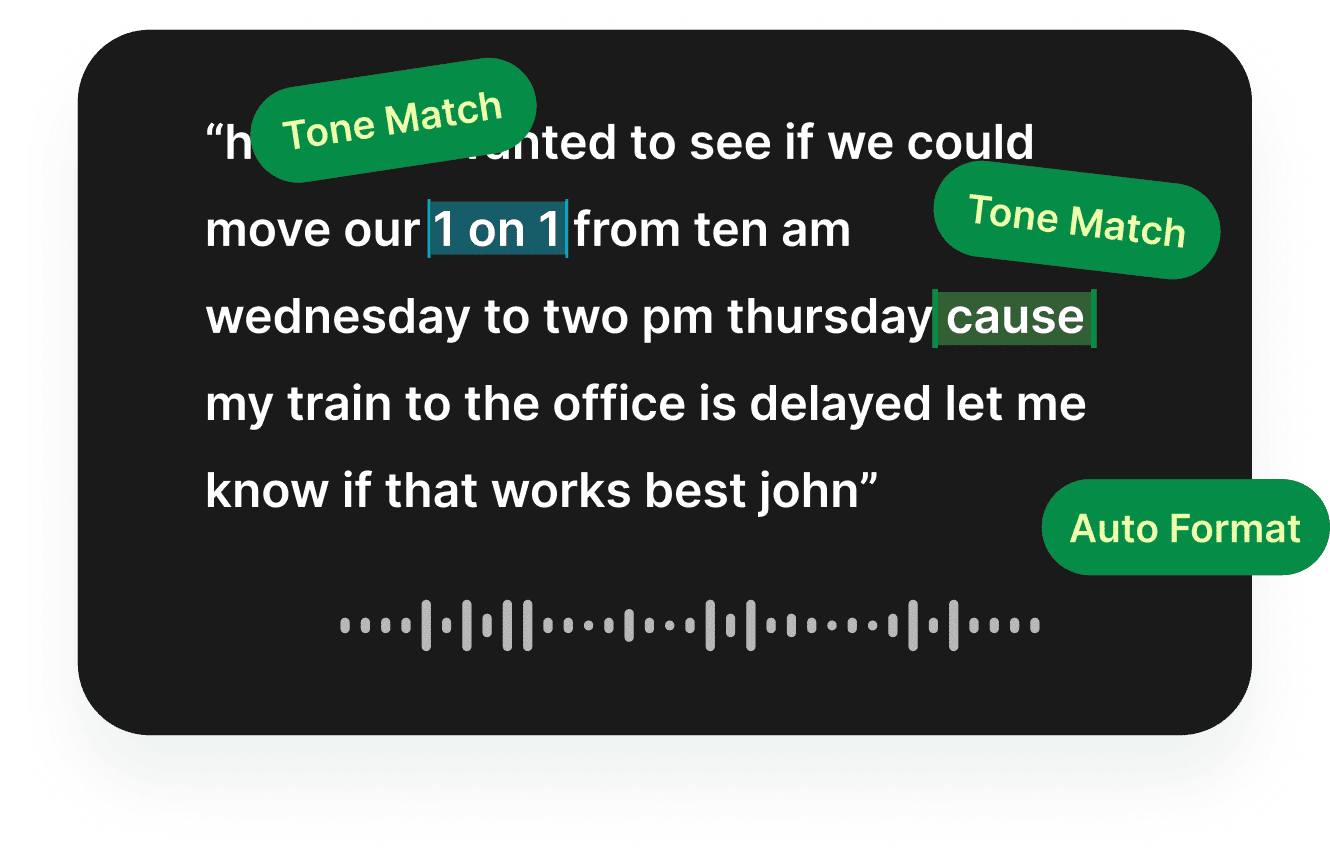
Gmail Hi Sarah,
I wanted to see if we could move our 1:1 from 10 a.m. Wednesday to 2 p.m. Thursday because my train to the office is delayed. Let me know if that works.
Best,
John


Email dictation means using your voice to write an email instead of typing it on a keyboard. Traditional speech-to-text tools transcribe what you say. AI email dictation goes further: it helps turn natural speech into email text that sounds clearer, more structured, and easier to send.
That matters because most people do not speak in perfect email format. A spoken draft might include pauses, repeated words, unfinished phrases, or filler words like "um" and "you know." Voiskey is designed for that real workflow. You speak naturally, then Voiskey helps shape the message into a cleaner email draft.
Use email dictation when you already know what you want to say but do not want to spend time typing, rewriting, and formatting every line.
Most emails start as a thought, not a perfectly written paragraph. You might need to reply before a meeting, send a quick follow-up after a call, update your manager, or answer a client while the context is still fresh.
Voice typing for emails helps you capture the idea before it disappears. You can say the message in your own words, then review the polished draft before sending. This makes Voiskey useful for people who write a lot of email during the day: founders, operators, sales teams, recruiters, consultants, students, managers, and anyone who lives in an inbox.
Instead of staring at a blank compose window, start by speaking:
Voiskey helps turn that spoken input into a draft that is easier to use.
Writing emails with your voice should feel simple. Open the email app or browser tab where you normally work, place your cursor in the message field, and dictate your draft with Voiskey.
You can use Voiskey for short replies, longer business emails, follow-ups, work updates, and messages that need a more professional tone. After Voiskey creates the text, review it, make any final edits, and send the email yourself.
The workflow is:
Voiskey does not send emails automatically. You stay in control of the final message.
Respond quickly without typing every word from scratch.
Turn a quick spoken thought into a clear, professional follow-up.
Share updates with your team, manager, or client faster.
Draft client check-ins, recruiter replies, meeting recaps, and vendor emails.
The biggest difference between basic speech-to-text and AI voice typing is what happens after transcription.
A raw transcript often keeps the messiness of speech. Voiskey helps turn that into a cleaner email draft by improving punctuation, removing filler words, and making the structure easier to read.
Shape spoken thoughts into readable email paragraphs.
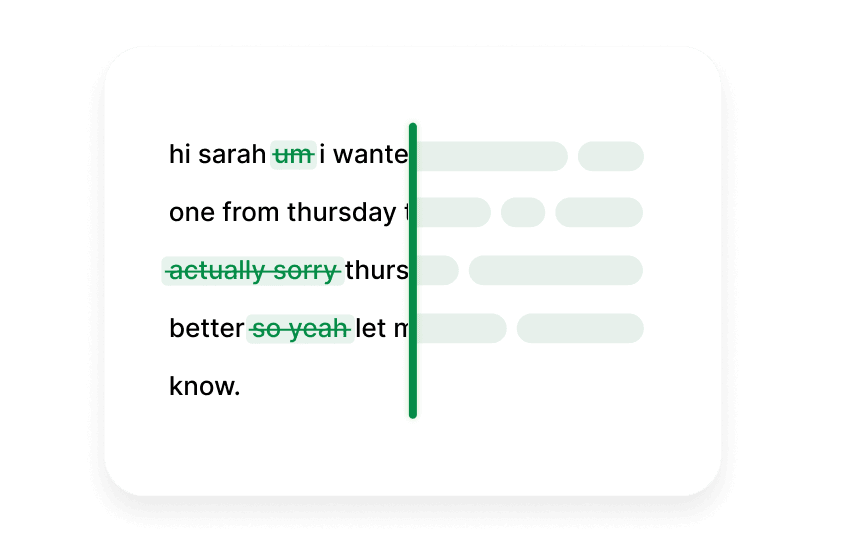
Move past "um," repeated phrases, and unfinished starts.
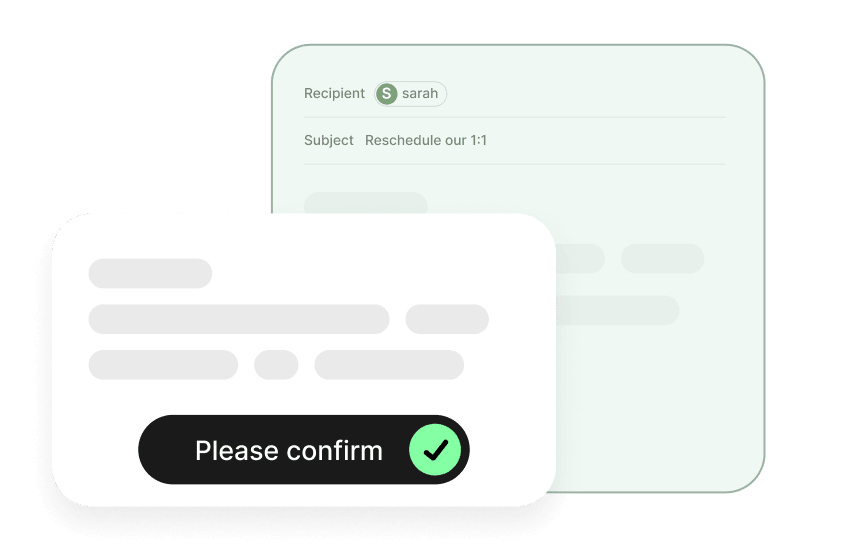
Keep control of the final message before you send.
Voiskey is designed for the email workflow you already use. Dictate emails in Gmail, Outlook, Apple Mail, browser-based email clients, work portals, school portals, and other places where you write.
This makes Voiskey different from tools that only work inside one writing app. You can use voice typing where your inbox already lives, without moving every draft into a separate document first.
Email is global, and many people write across more than one language. Voiskey supports 100+ languages, so you can use your voice for everyday email writing across different teams, clients, schools, and personal workflows.
Voiskey can also help keep names, terms, and spelling preferences closer to the way you work. That is useful for company names, client names, product terms, technical vocabulary, and recurring phrases you use often.
AI email dictation is useful for anyone who writes a lot and wants to move faster without losing control of the final message.
Voiskey is especially helpful for:

busy professionals who answer many emails a day

founders and operators writing quick updates

sales and customer teams sending follow-ups

recruiters responding to candidates

students writing school emails

consultants and freelancers communicating with clients

people who think faster than they type

people who want a more comfortable alternative to long typing sessions
Voiskey is an AI voice typing app that turns natural speech into clean, polished, ready-to-use text.
AI voice typing for emails means using your voice to write email drafts instead of typing every sentence by hand. With Voiskey, you speak naturally, and it turns your speech into clean email text you can review, edit, and send.
You can write emails with your voice by dictating your draft in Voiskey. Speak the message you want to send, and Voiskey helps turn your spoken draft into a clear, polished email for replies, follow-ups, work updates, and everyday inbox messages.
Yes. Voiskey lets you dictate email drafts in the email apps you use every day, including Gmail, Outlook, Apple Mail, browser-based email tools, work inboxes, school portals, and more.
A good email dictation app should do more than transcribe raw speech. Voiskey is built for AI voice typing, helping you clean up natural speech, remove filler words, and turn voice input into polished email text that is ready to use.
Yes. Voiskey can help you write professional emails faster by turning spoken drafts into clearer email text for client emails, follow-up emails, recruiter replies, work updates, school emails, and everyday business communication.
Yes. Voiskey is useful for email replies, follow-up emails, client check-ins, interview thank-you emails, meeting recaps, and quick inbox responses. You speak the draft, then review and send the final email yourself.
Yes. Voiskey supports 100+ languages, so you can speak in the language you use every day and turn it into clear email text.
No. Voiskey does not automatically send emails. It helps you create email text with your voice, while you stay in control of reviewing, editing, and sending the final message.

 Voiskey
Speak naturally, write effortlessly, and move faster. Turn your voice into polished, ready-to-use text wherever you work.
Use it across macOS, Windows, iOS, and Android
