
Voice to Text for Engineers
Write Prompts, Commits, and Docs With Your Voice
A good prompt is longer than anyone wants to type. Say the whole thing instead and Voiskey turns it into usable text. Free to start.
Why Engineers Dictate
Most of an engineer's typing is not code. It is the prompt explaining what you want, the commit message, the PR description, the reply in the thread, the paragraph in the design doc that has been sitting in draft since Tuesday.
Voice to text for engineers targets that half of the job. You already hold the whole explanation in your head. Speaking it takes thirty seconds; typing it takes five minutes and comes out shorter than what you meant.
Speaking runs at around 220 words per minute, typing at around 45. For prose that gap matters, because the version you would say out loud usually contains the context that the version you type leaves out.
Say the rough version. Correct yourself mid-sentence. Voiskey cleans up the fillers and restarts and hands you text you can send.
Talking to Claude Code, Cursor, and VS Code
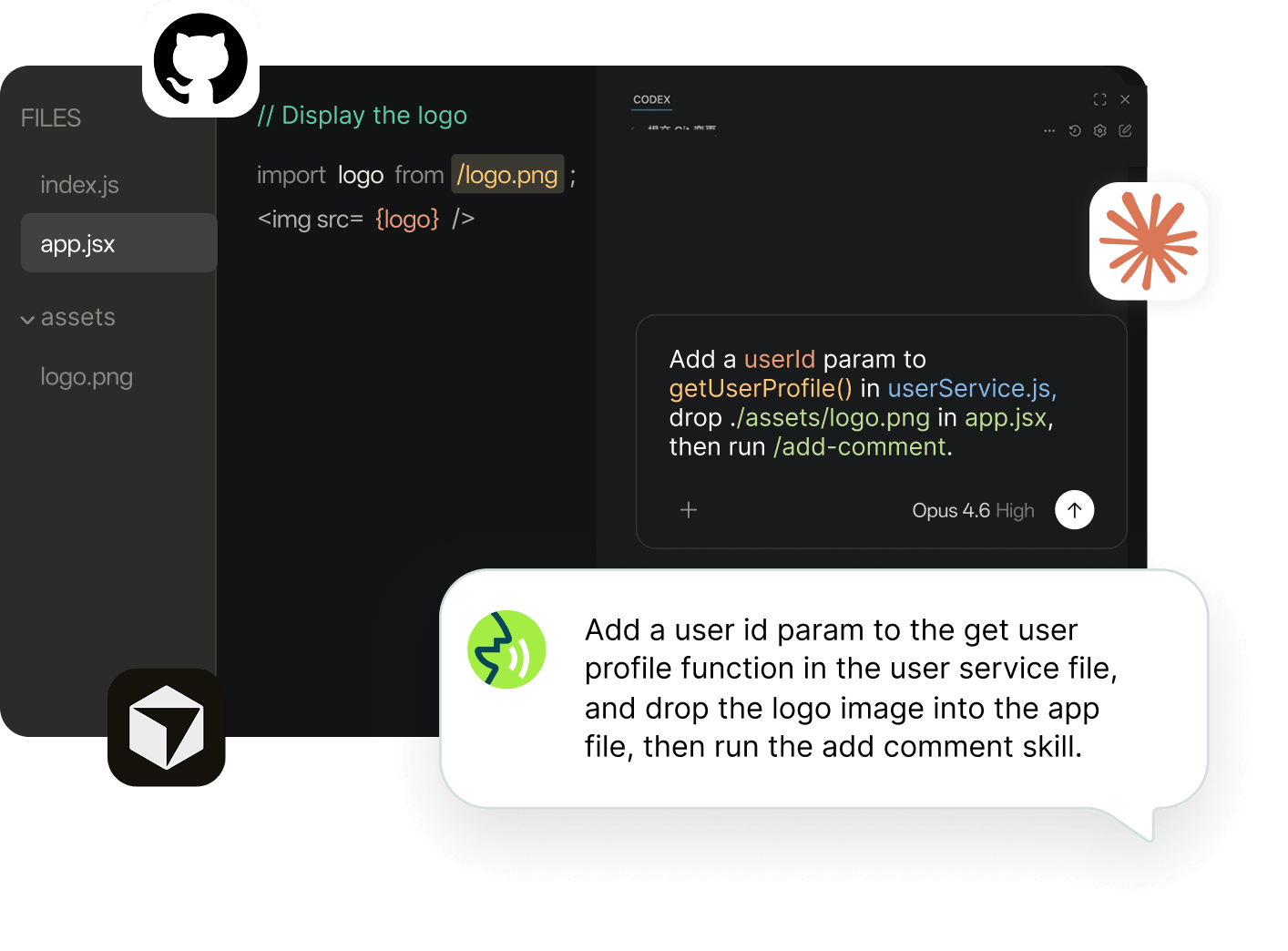
A good prompt is longer than anyone wants to type. So it gets shortened into something vague, the model guesses, and you spend the next three turns correcting it.
Say the whole thing instead. What you are building, what you already tried, which file it lives in, what you do not want it to touch. Thirty seconds of talking produces a prompt with enough in it to get a useful answer on the first pass.
Claude code voice to text works the same way as everywhere else: click into the terminal or the chat panel, speak, and the text lands where you were about to type. Cursor voice input is the same, and so is dictating to GitHub Copilot or the OpenAI Codex CLI. There is nothing to configure and no integration to install.
Filenames, function names, and flags come out formatted the way you would have typed them, not spelled out phonetically.
What Else You Dictate
Commit Messages and PR Descriptions
The part everyone writes badly because it comes after the work is done. Say what changed and why, and let the structure fall out.
Design Docs and RFCs
Talk through the tradeoff the way you would explain it in a review, then edit. A doc that sounds like a person reasoning beats one that sounds like a template.
Code Review Comments
The difference between "nit" and an explanation of why is usually just how much typing you felt like doing.
Issues and Bug Reports
Steps to reproduce, expected, actual, what you already ruled out. Say it while it is fresh.
Slack and Standup Updates
The blocker, the handoff, the message explaining what you meant in the last message.
Documentation and READMEs
The thing you keep meaning to write. It takes four minutes to say out loud.
It Gets the Names Right
The reason most dictation tools fail an engineer in the first minute is names. Your service is not two words. Your variable is not a sentence. Kubernetes, nginx, OAuth, and your team's internal codename are not in a general dictionary.
Voiskey learns them. Repo names, service names, function names, the flag you always type, the spelling your team settled on. Teach it once and it stops guessing.
That vocabulary follows you across machines. What you taught it on your work laptop is already there on your personal machine and your phone, so the same terms come out the same way wherever you are writing.
Works Where You Code
Voiskey works anywhere you can type. The terminal, the chat panel in Cursor, the editor in VS Code, the commit box, GitHub issues and pull requests, Slack, Notion, Linear, Google Docs, Gmail and Outlook, and the AI tools you have open in a browser tab. There is no plugin to install and no extension to keep updated.
You also do not have to talk at full volume. Voiskey picks up softer speech, including a whisper, which matters in an open-plan office more than anywhere else.
On your phone it is a full keyboard, so the bug report you think of on the way home can be typed or spoken without switching keyboards.
FAQ s
Yes, and to anything else with a text field. Voiskey works at the input level rather than inside a specific app, so a terminal, a VS Code editor pane, and a chat panel all behave the same way. There is no plugin, extension, or integration to set up.
Yes. Voiskey learns repo names, service names, internal terms, and your naming conventions, so authMiddleware.ts comes out as authMiddleware.ts rather than spelled out word by word. That vocabulary syncs across your machines and your phone, so you only teach it once.
Not really, and most engineers do not. The useful part is everything around the code: prompts, commit messages, PR descriptions, design docs, review comments, and Slack. That is where the typing time actually goes.
One month of Pro free when you create an account, up to two more months for inviting friends, and 2,000 words a week after that, with no expiry date.
Yes. Voiskey picks up softer speech, including a whisper, so you can dictate without narrating your work to the whole floor.


 Voiskey
Your voice, amplified.
Speak naturally, write effortlessly, and move faster. Turn your voice into polished, ready-to-use text wherever you write.
Use it across macOS, Windows, iOS, and Android